Step 1: Adding your Business
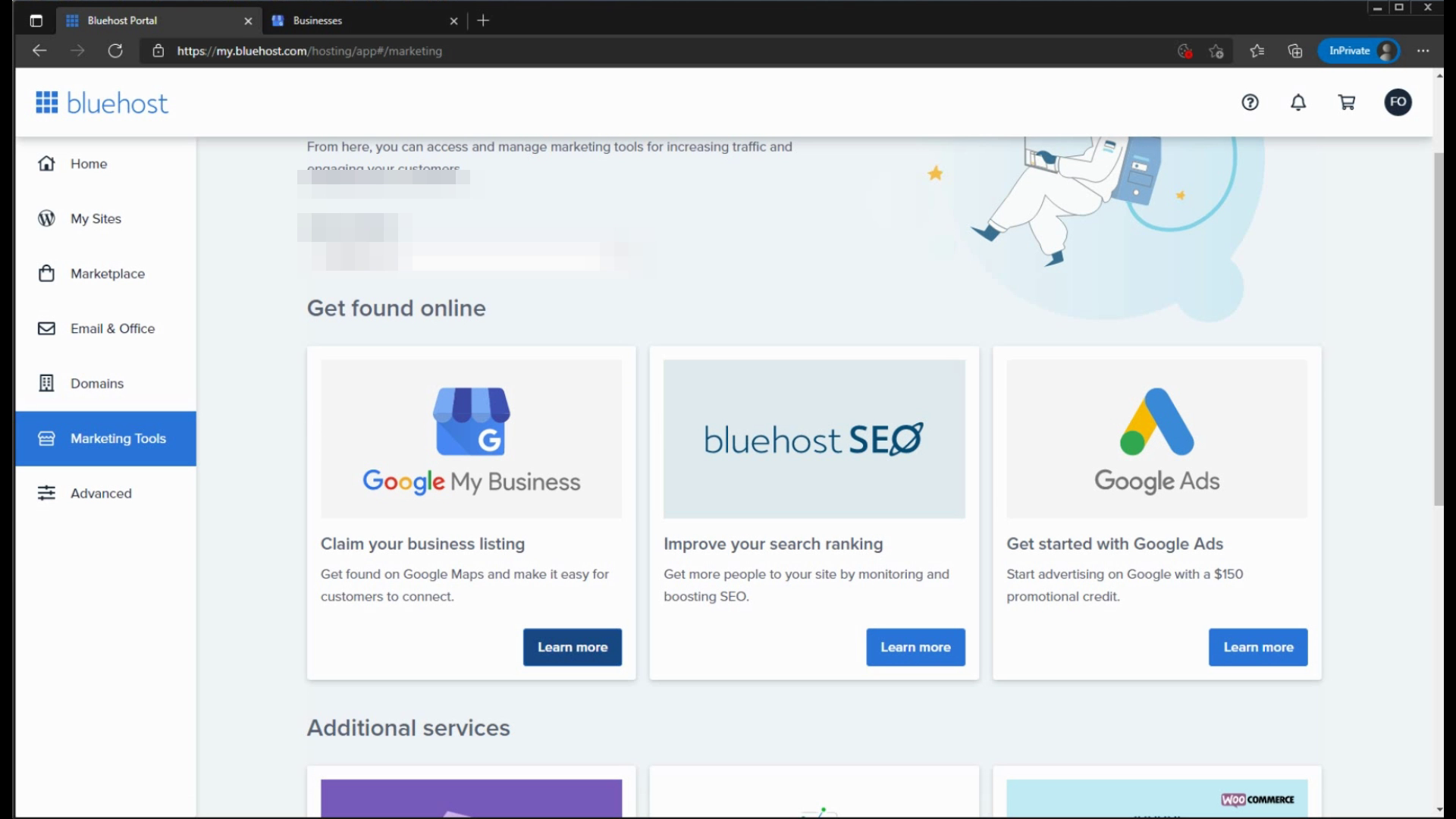
Load up the Marketplace then click Learn More on GMB.
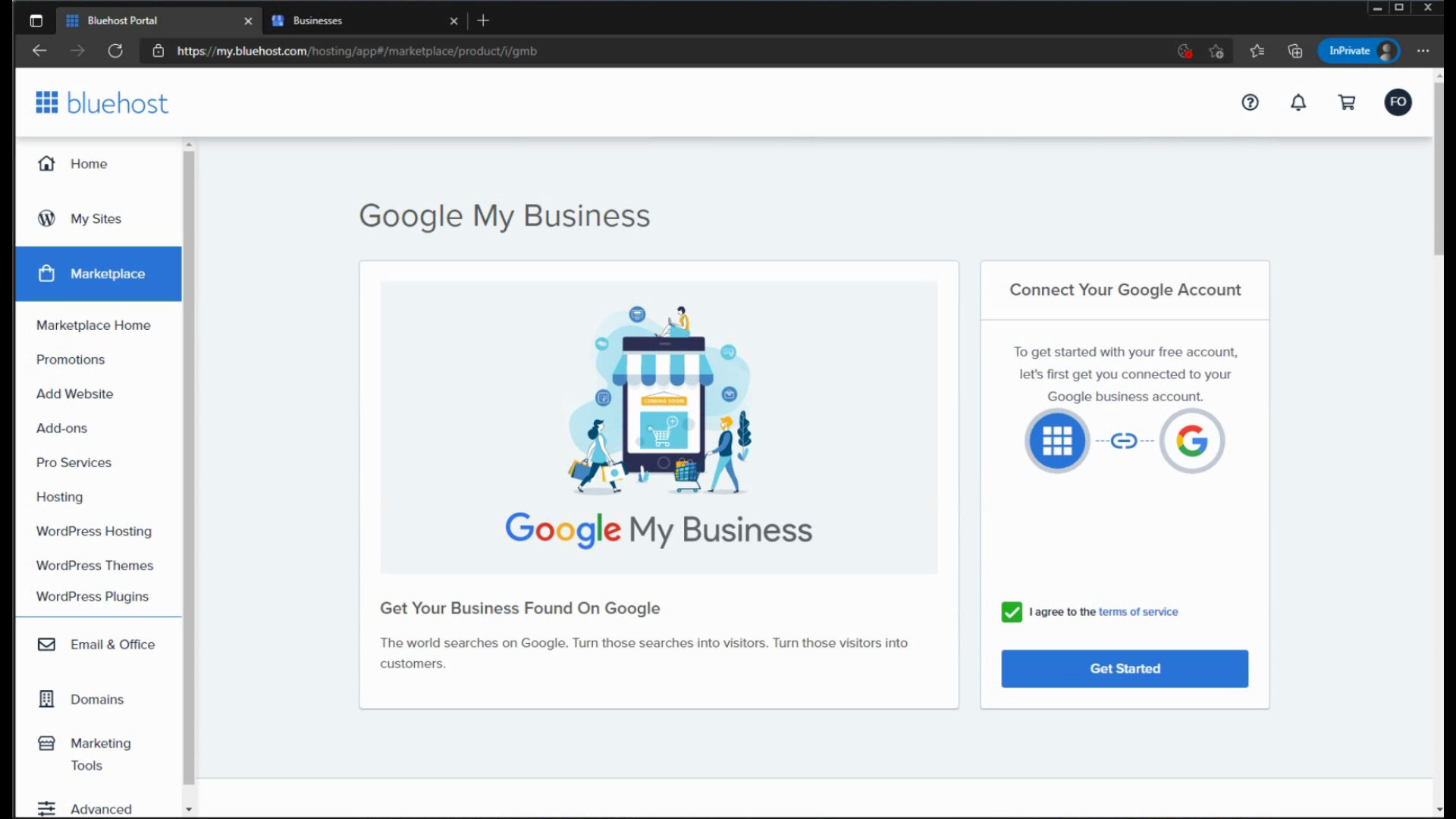
Click on Agree to the Terms to continue. Click Get Started.
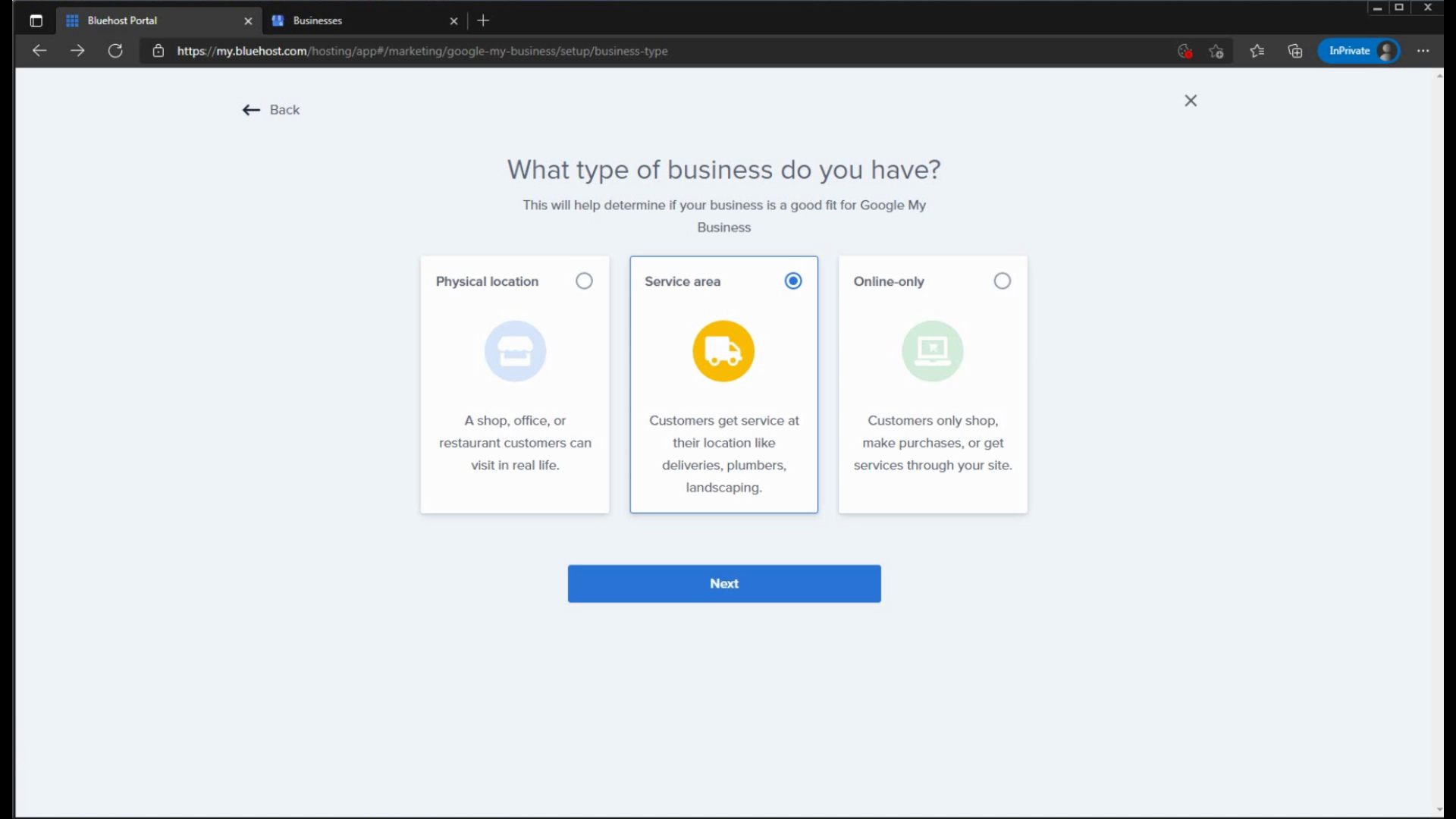
Determine what type of business you have. If you click an Online Only Business, you cannot continue.
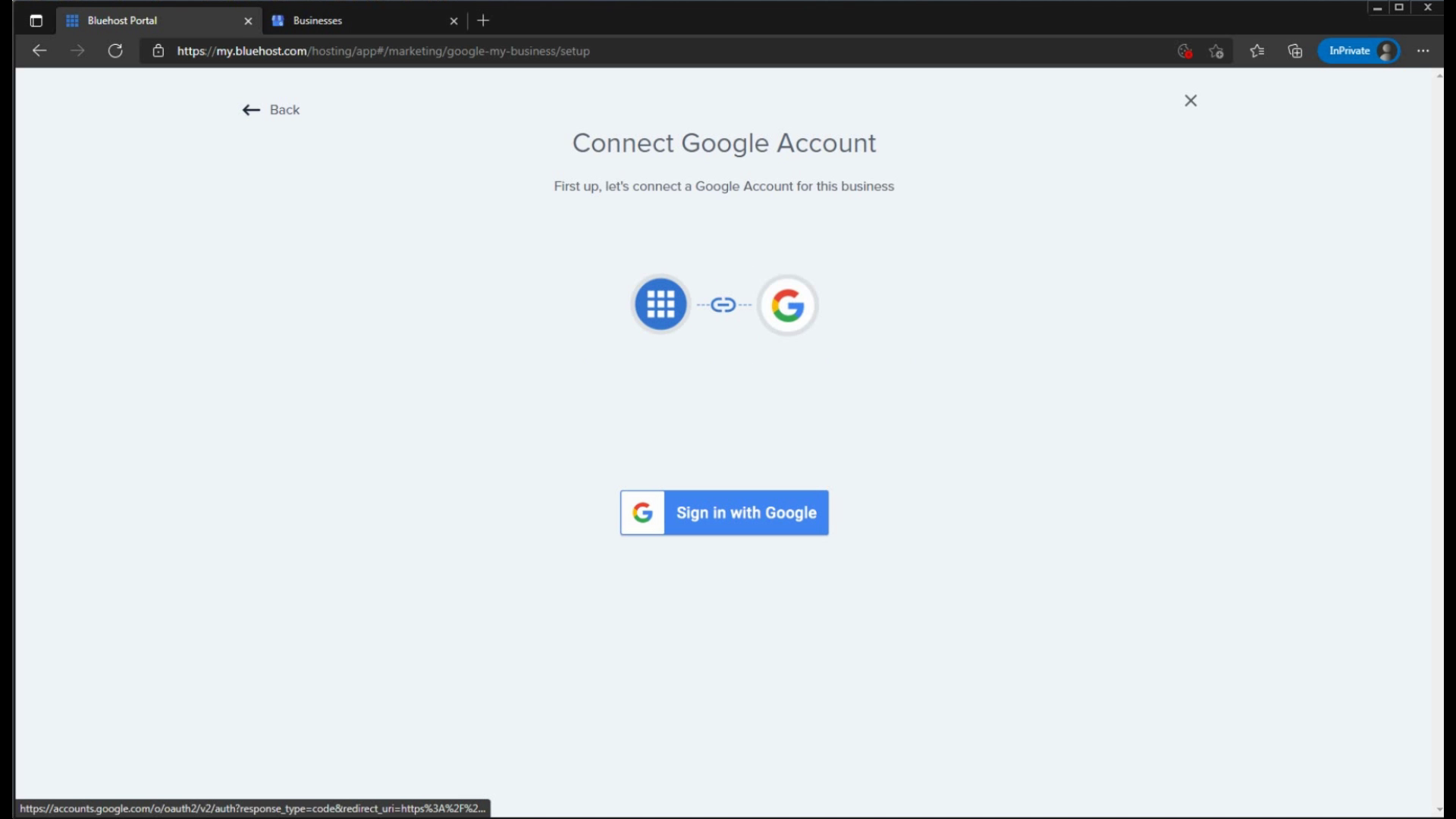
Link a Google account here to proceed.
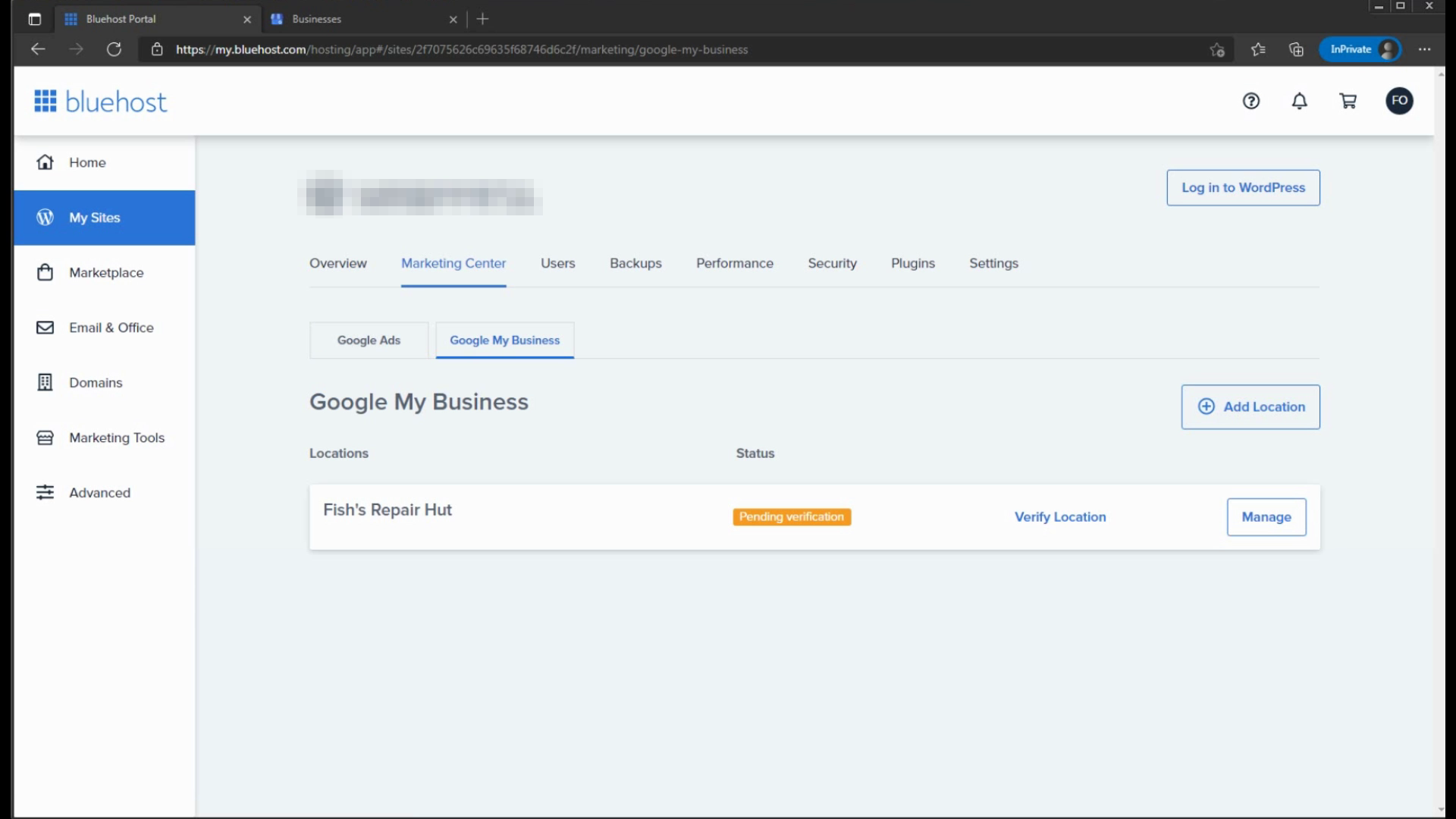
Once you load up your account, you may need to refind the business page, via My Sites - Marketing Center then Google My Business.
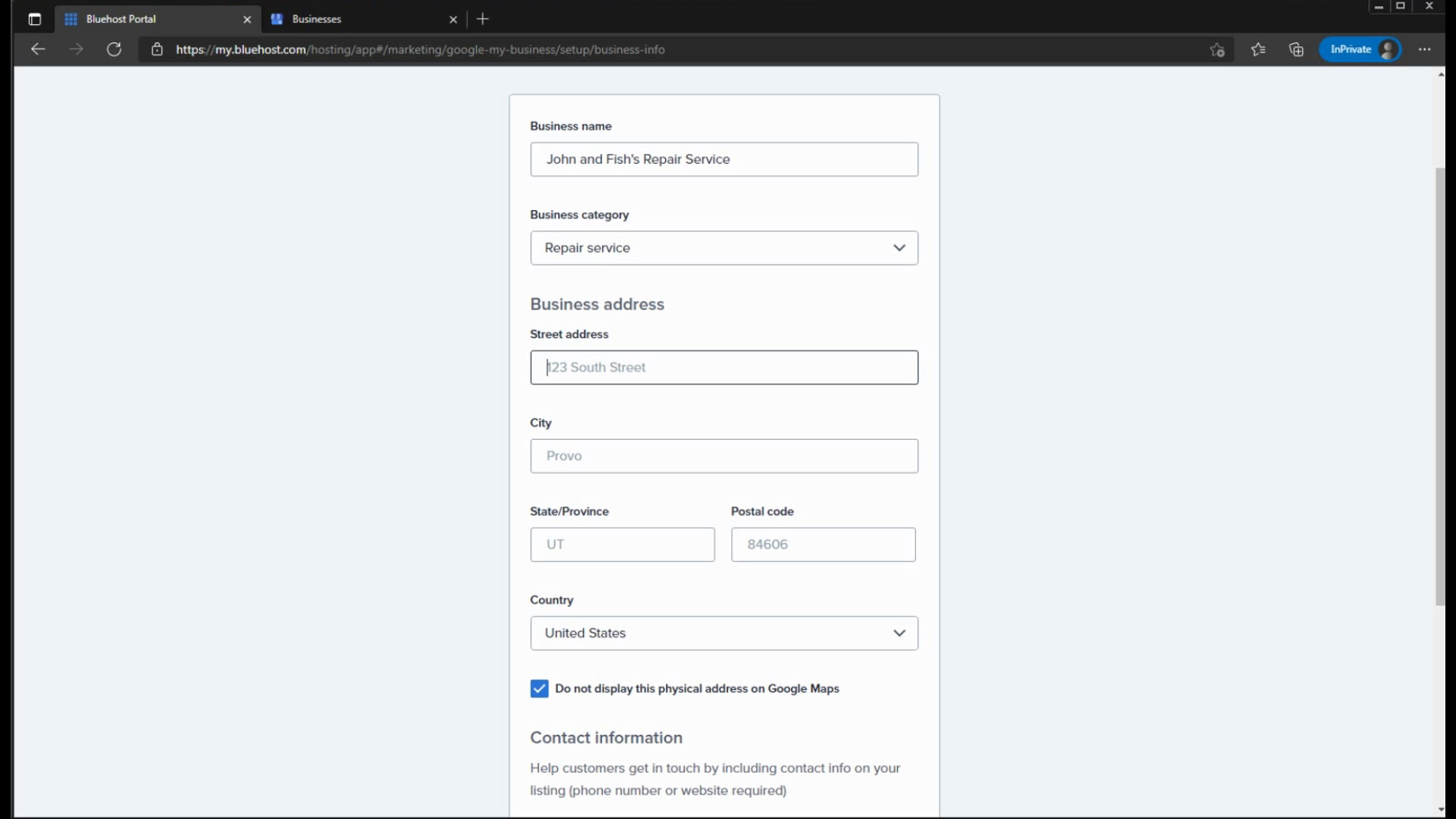
Upon click Add Location, here you will name your Business, give it a category, enter a business address then your Phone / Website.
Phone and Website can be used for Business Ownership Verification if eligible.
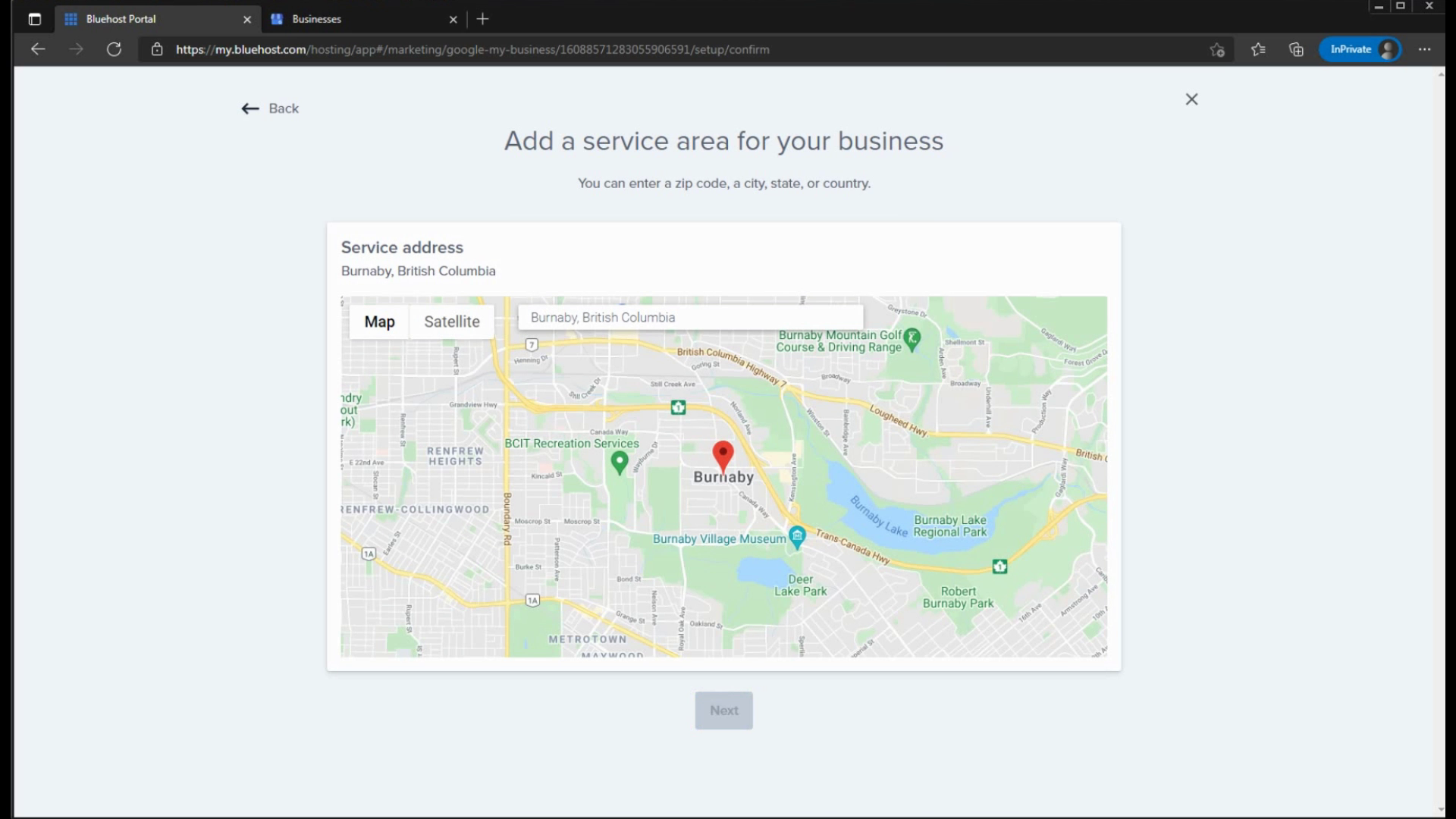
Then you can add Service Areas, if it looks good, simply click next.
Step 2: Verifying your Business
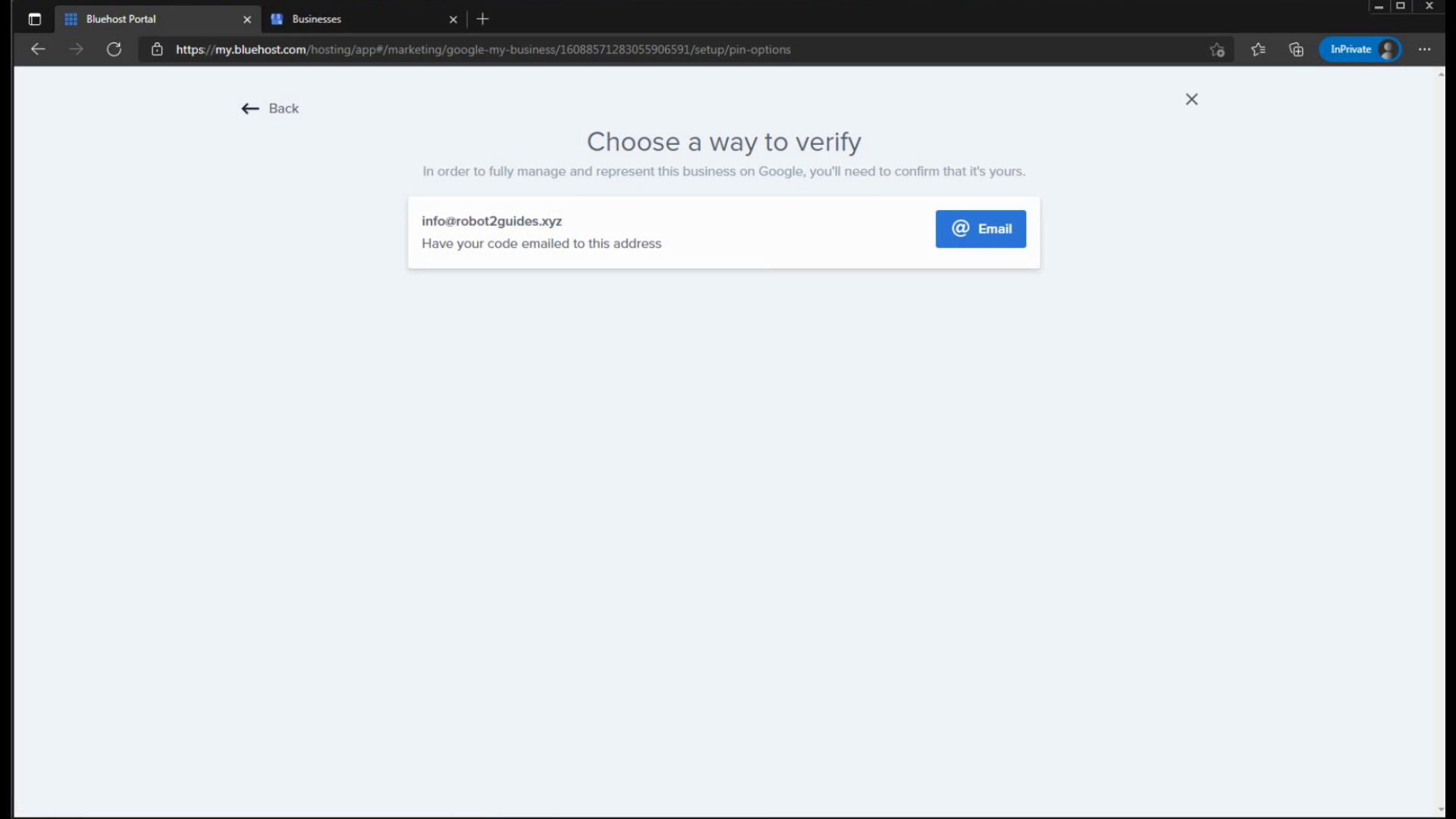
And finally, it will ask you to verify your Business, depending if you added a Phone or Website, chances are you get these verifcation methods.
Some services may still ask you to verify your location using a Postcard sent to you by Mail so this tutorial is not 100% guaranteed that you'll get some other verification method for your business, keep that in mind!
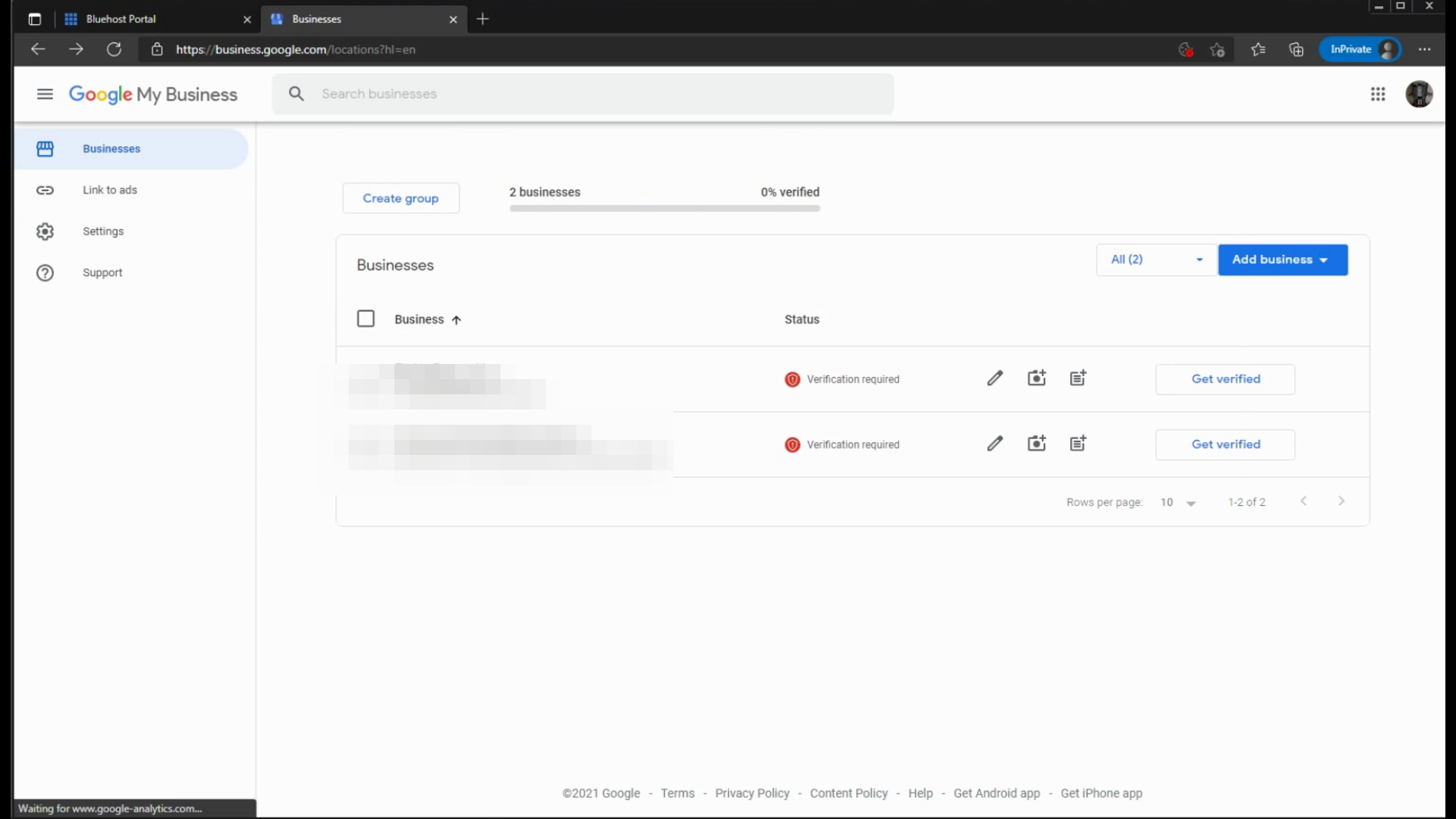
If you don't own an email inbox with info@example.com, then go to the Google My Business page to finish the verifcation there. Click on Get Verified.
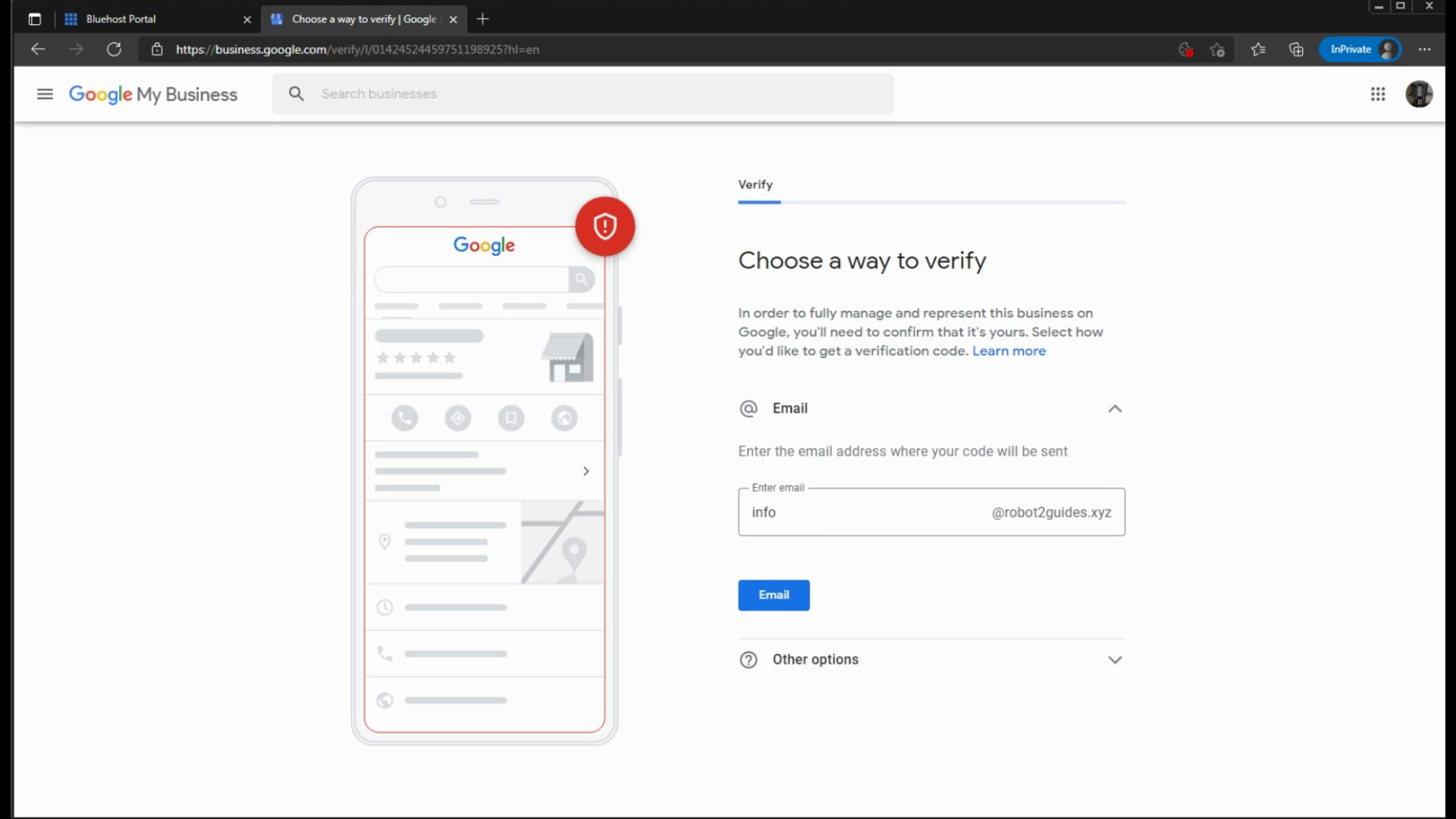
Here you can change info into any email prefix you own.
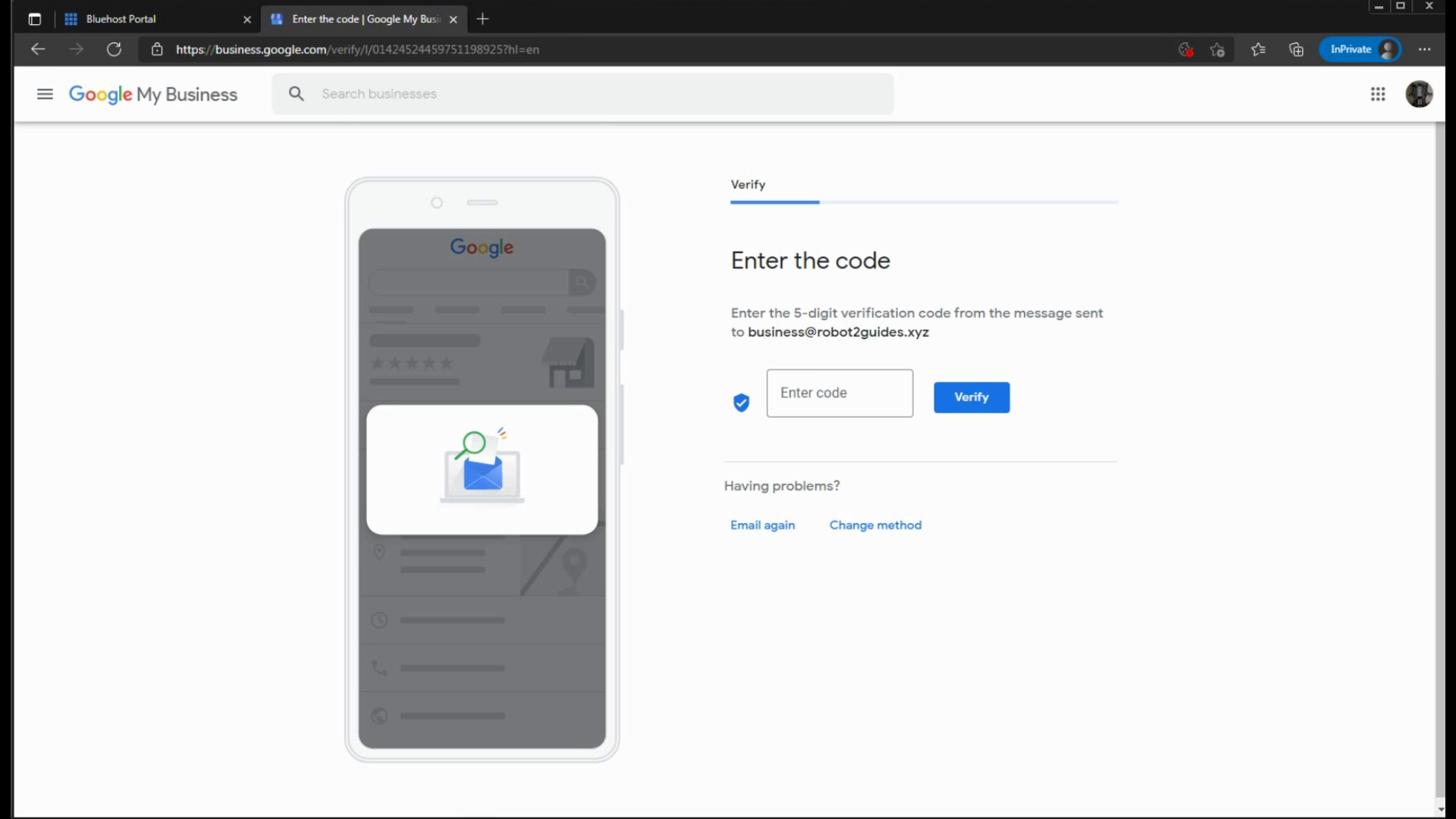
Your verification code arrives into your inbox. Check to see if you got yours there!
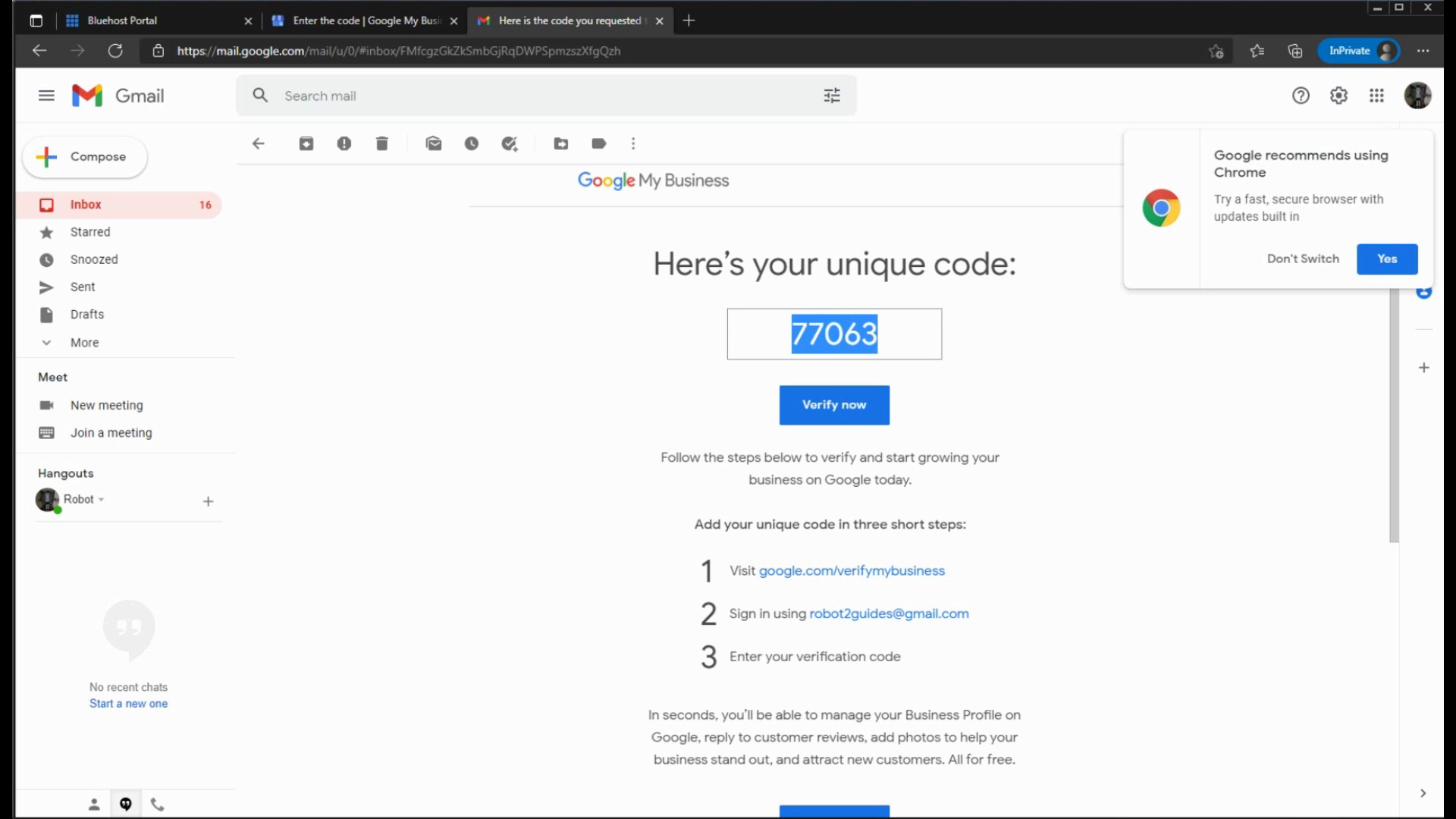
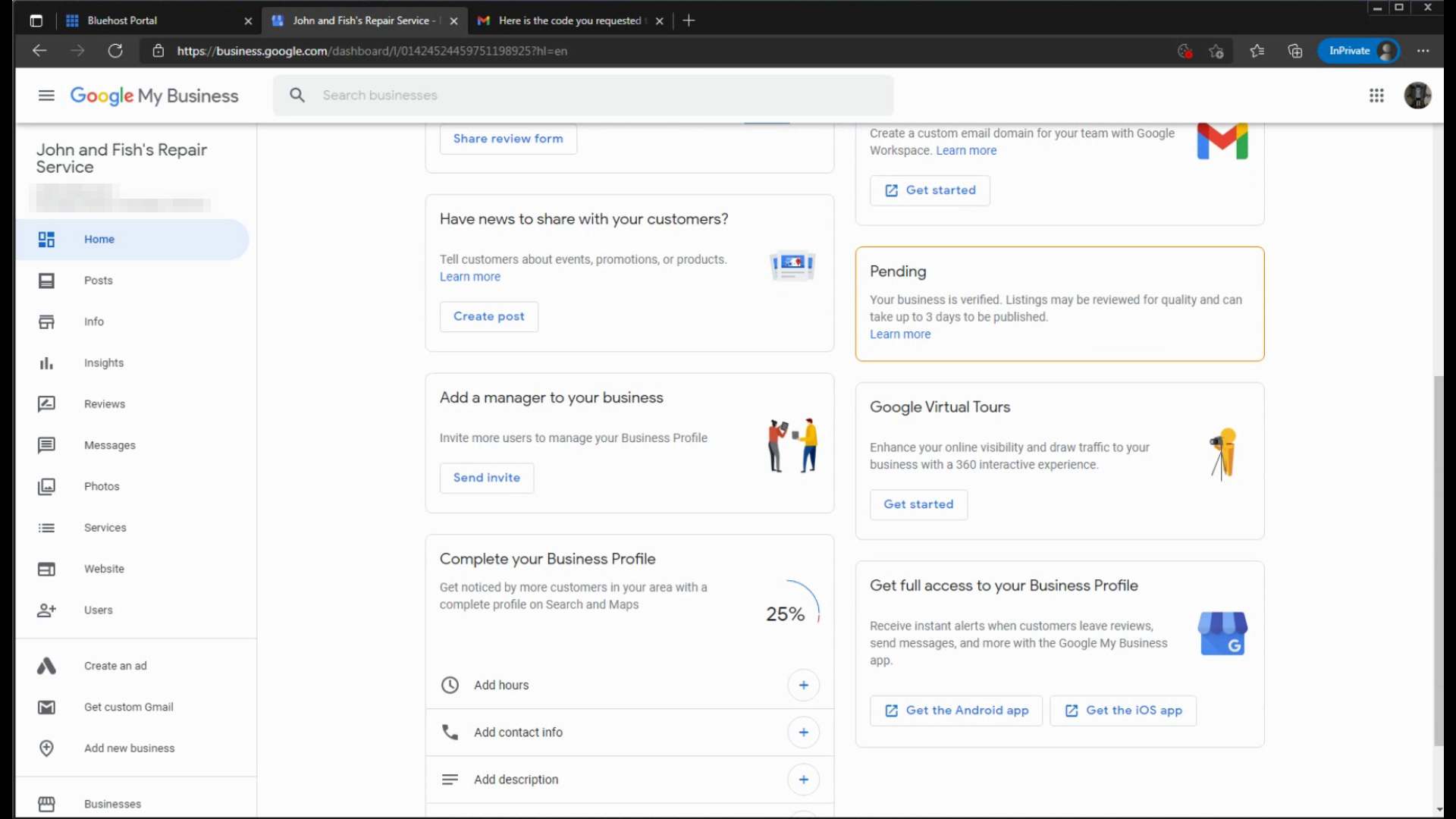
Upon entering the code, you now have verified your business ownership.
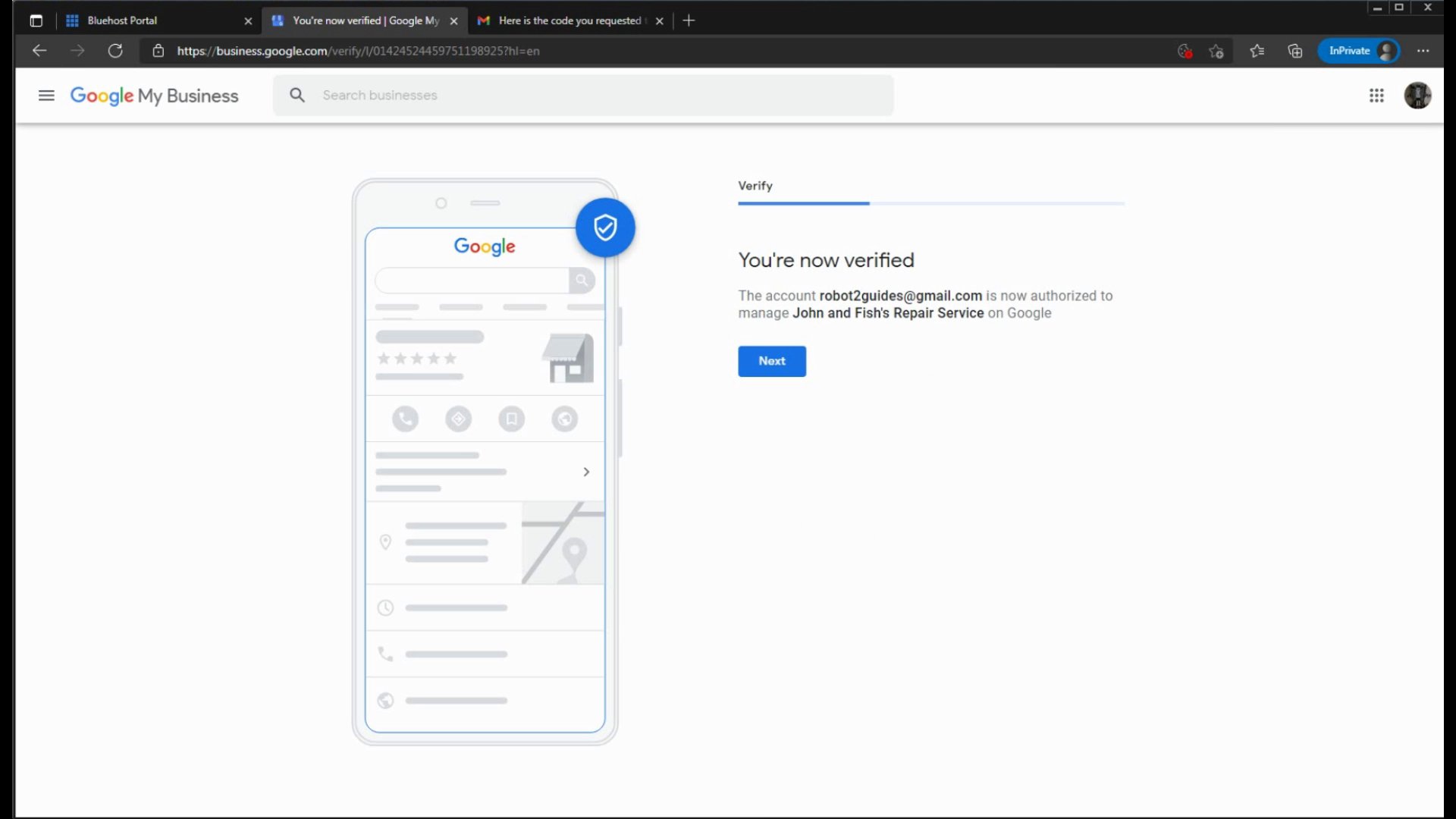
Your business may not be live instantly. Google checks your business info for quality. Make sure to add info into your business to avoid suspension.