Object 1: Create products!
Create Products people can purchase / buy. While we used Teespring, your method of approach can be different. If you want, we can make a separate tutorial page on how to add listings on Teespring. The guide is not yet available.
Object 2: Adding the products to your verified listing
Once you got some products going, go to your verified Business Listing and visit the Products Tab. (check to see if you have the tab.)
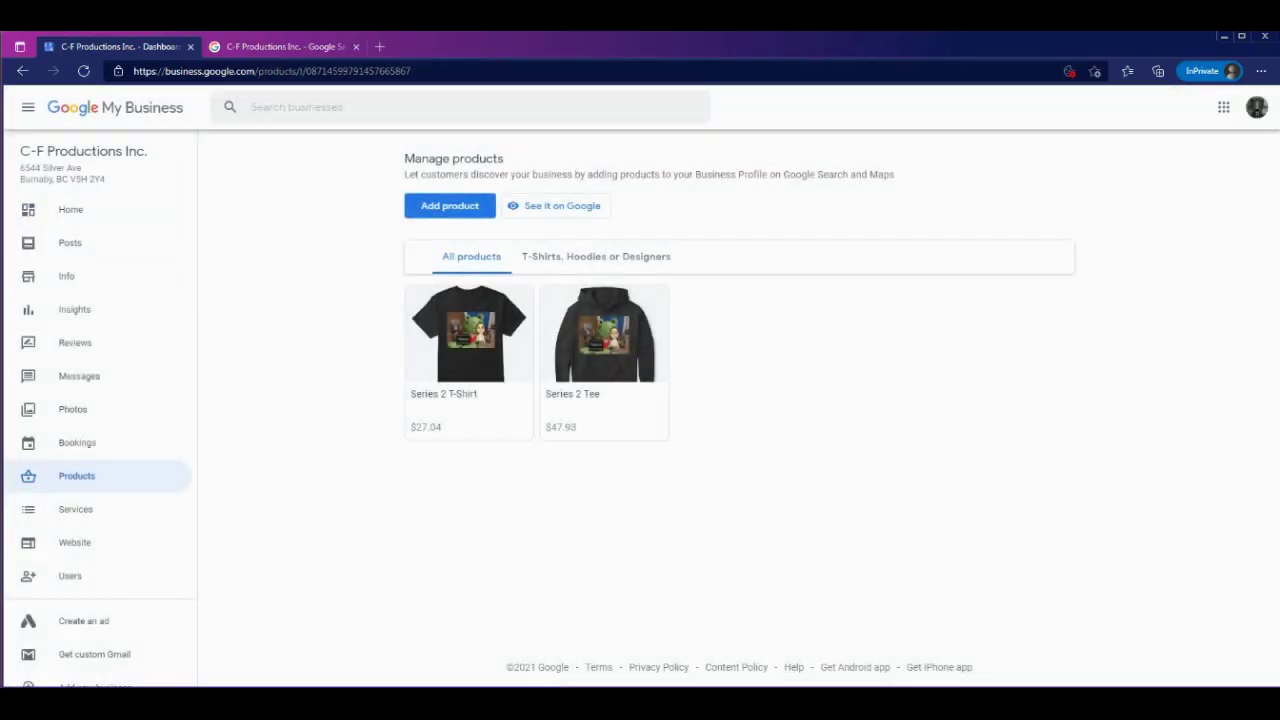
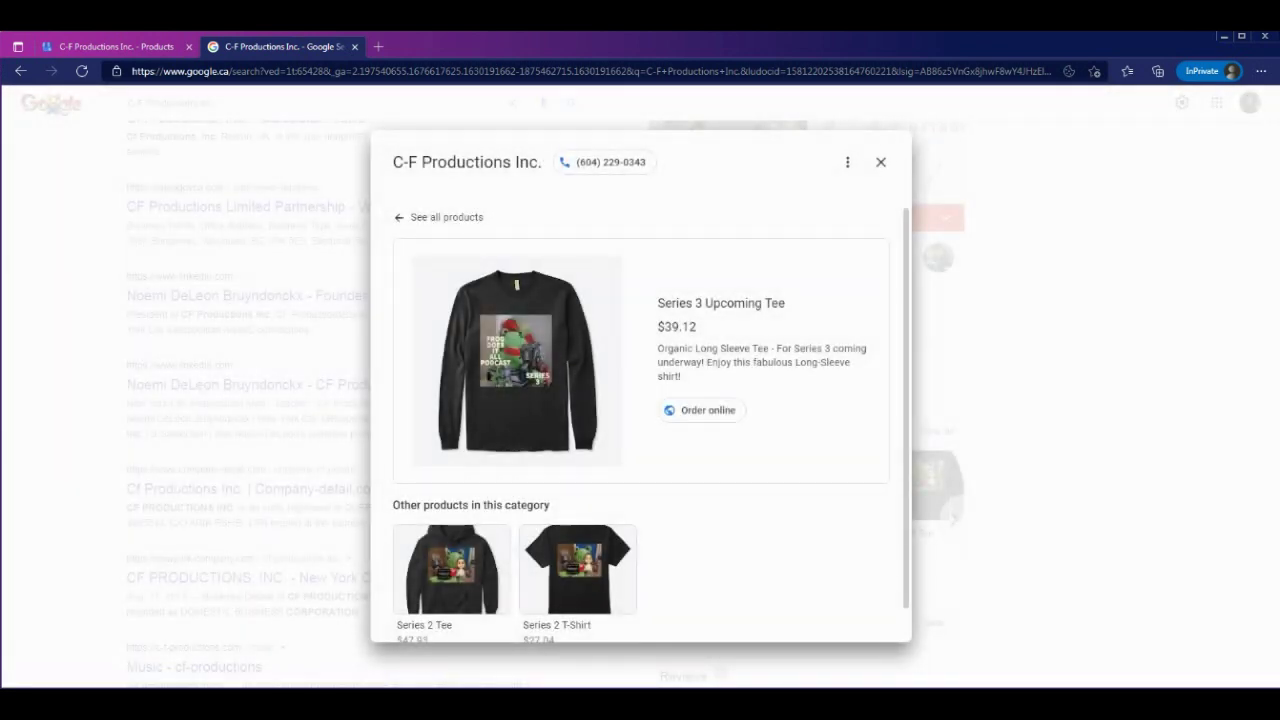
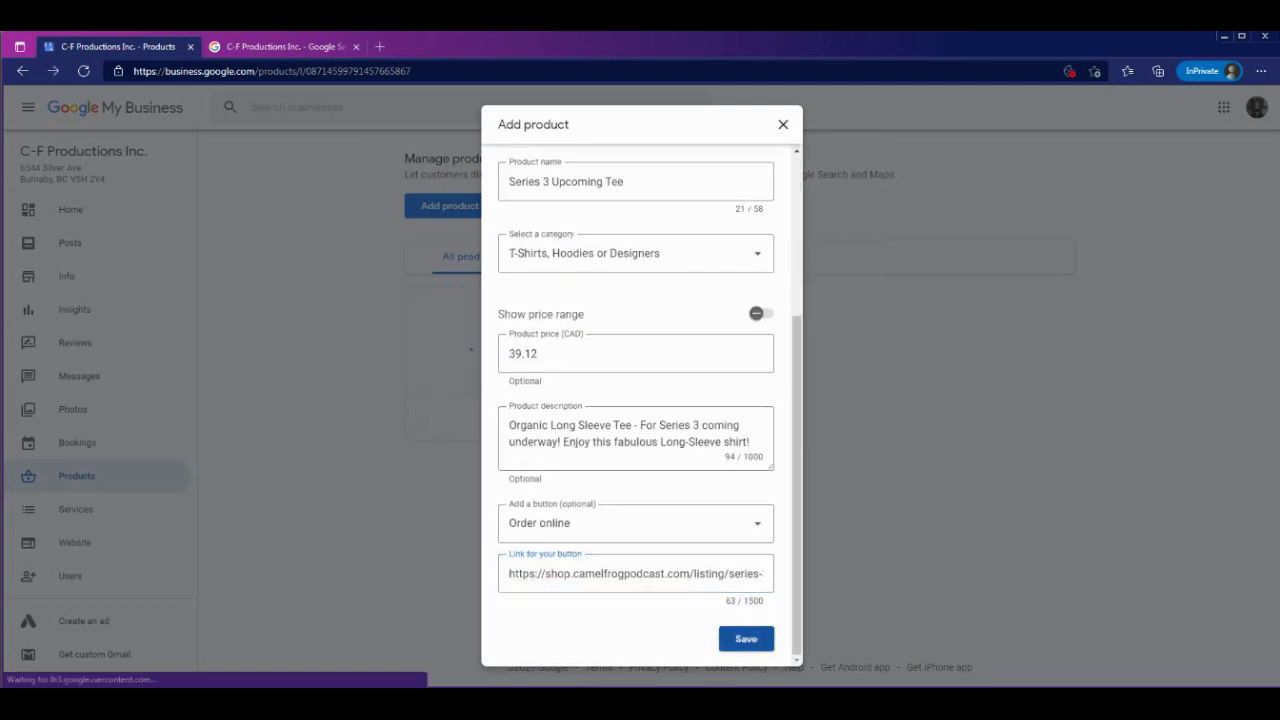
Click on new product then Add the details, Product Name, Description, category, price and a Link Button where people can purchase your Product if phone calling to your business (call to purchase) is not ideal for you.
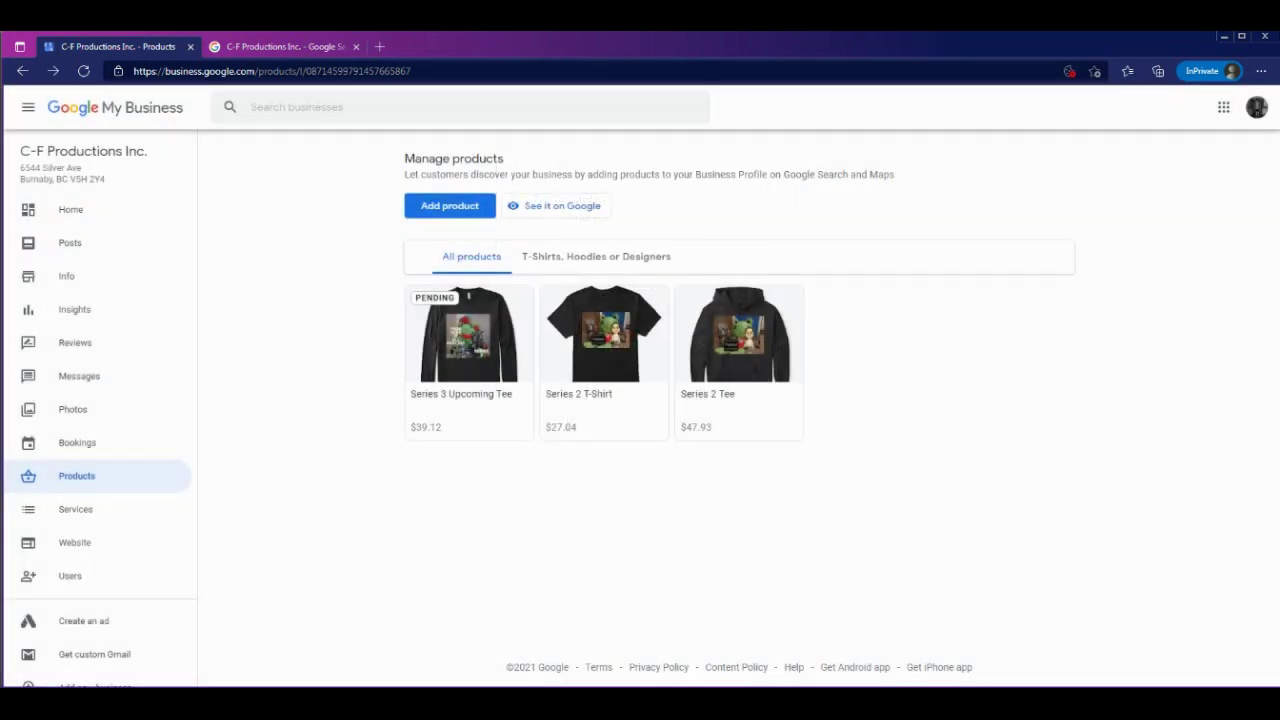
When you save your changes, the Product goes into review! This takes up to 30 minutes or longer. This is marked by a PENDING tag.
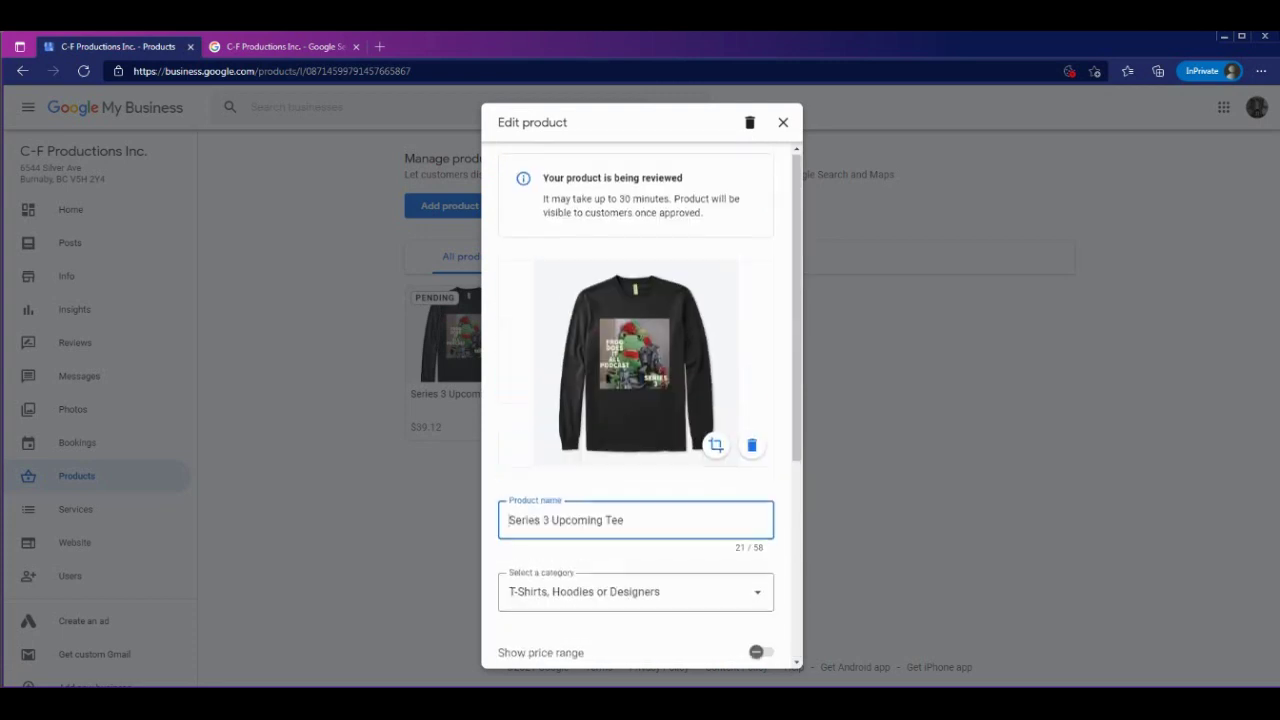
A notice also shows this Product is pending review.
When approved, the PENDING tag should disappear.
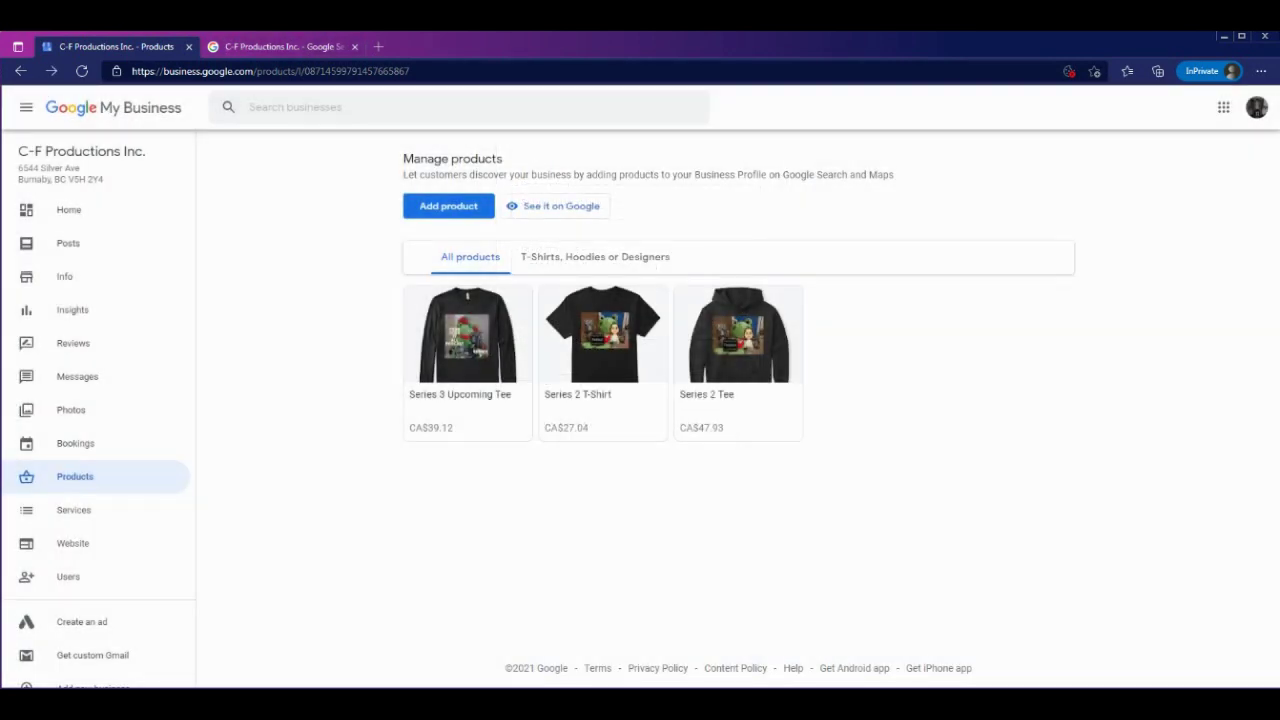
Check your listing to see the Products.
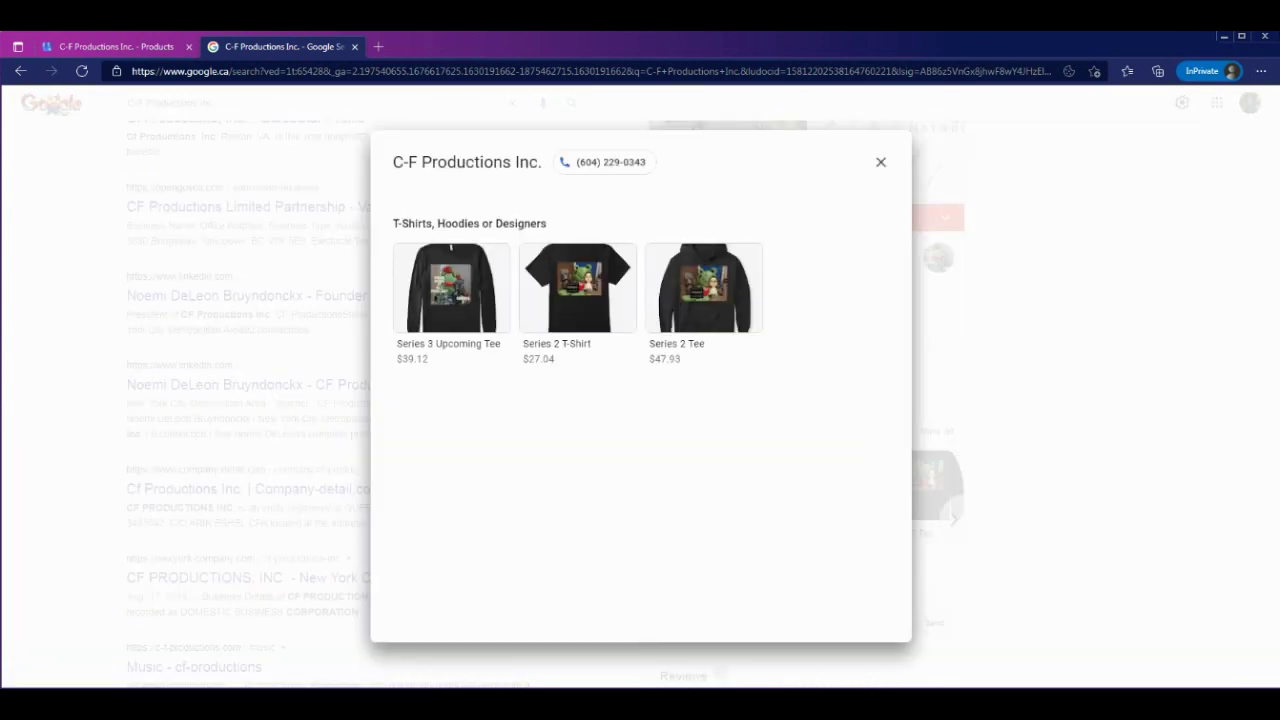
And that's it! The Description, name, Price and Link button works just fine!